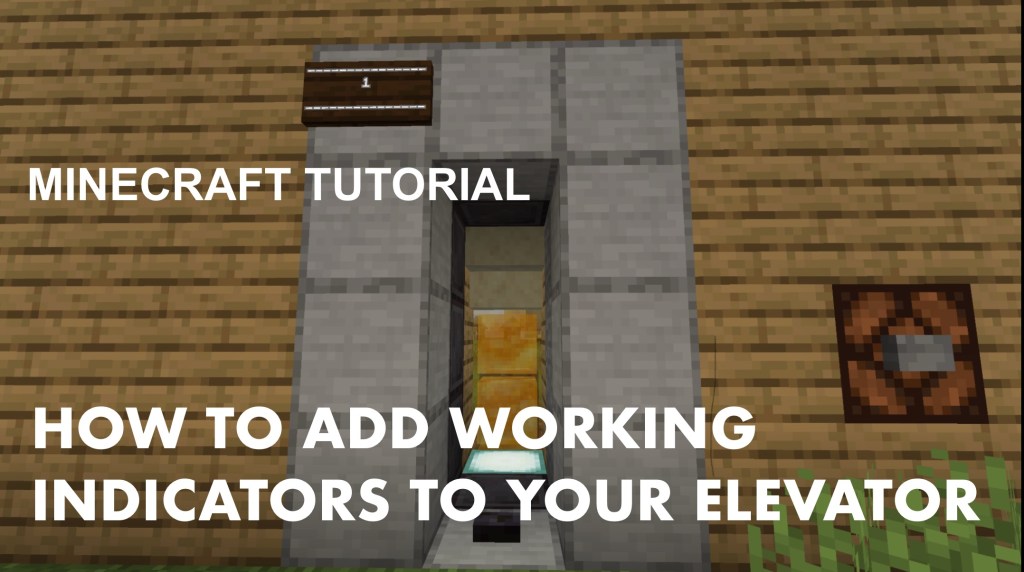


This is a Minecraft tutorial showing how to add working floor indicators to your Minecraft elevator.
The Impulse command block is for the indicator on the first floor and the chain command block is for the indicator on the second floor.
On the first floor, the two command blocks will say “L” (lobby), “G” (ground floor), or simply “1”, and on the second floor, the other two command blocks will say “2”.
The two Dark Oak signs will be used as floor indicators. For that, you will use White Dye and Glow Ink Sac to light up the floor indicators.
If you haven’t watched this tutorial yet, go here.




 747Sooner
Leave a comment